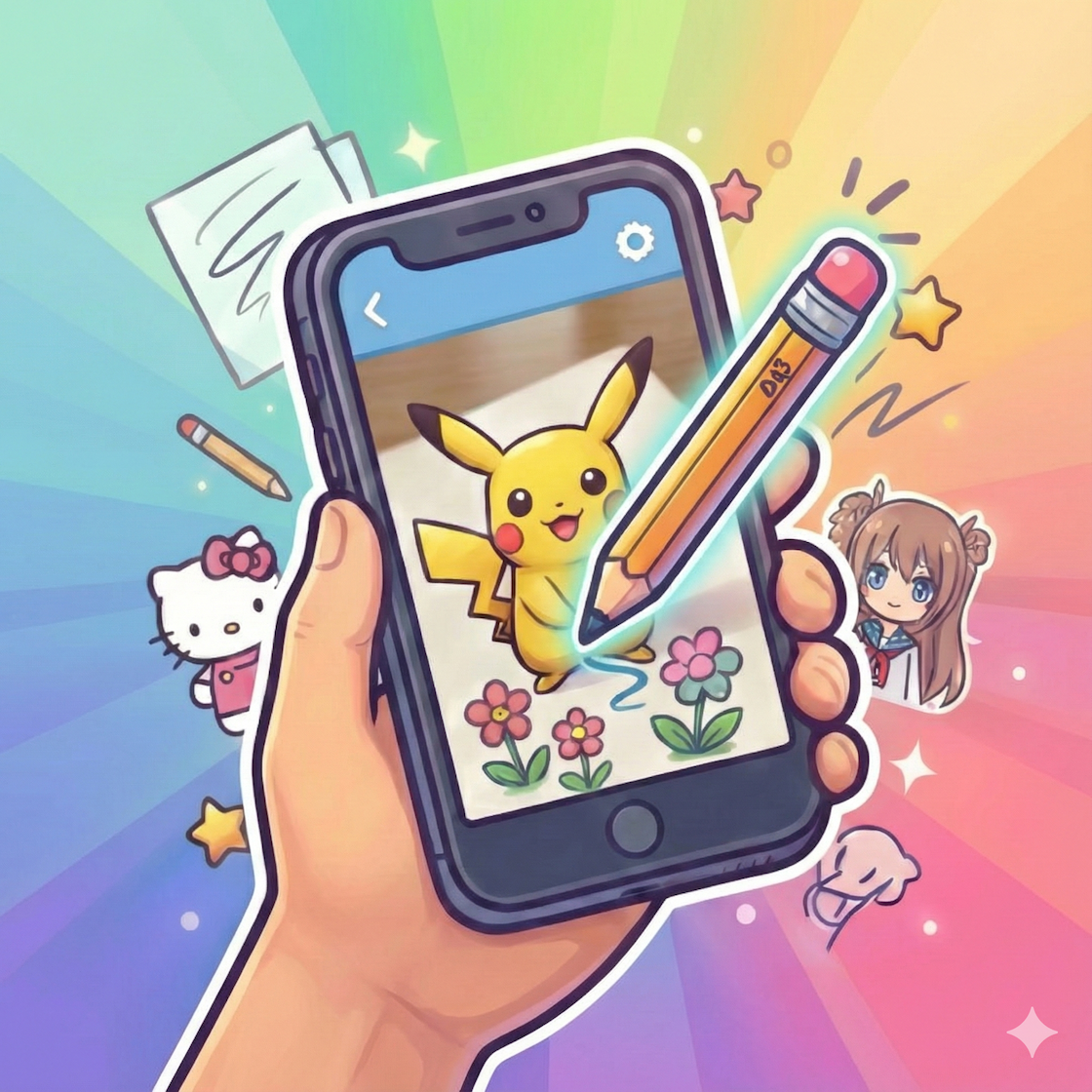
Draw with AR — Trace anything, learn faster, create without limits.
Transform your phone into a live sketching tool. Use AR camera to trace real objects, photos or characters — perfect for beginners and pros.
Text to Sketch
Turn text into calligraphy & lettering guides for tracing.
Upload Photos
Use your selfies or pet photos as sketch templates.
Save Favorites
Bookmark templates and build your practice library.
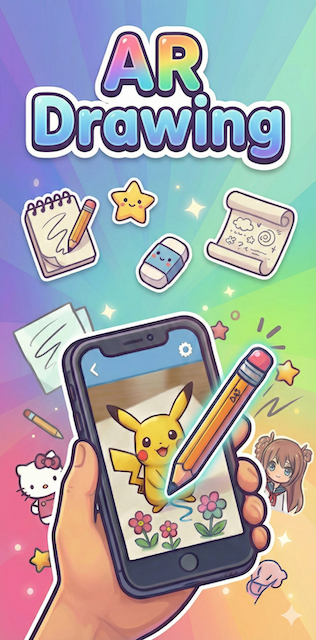
Powerful features built for learning & creativity
From AR tracing to calligraphy generation, AR Drawing packs tools that help you improve fast and create beautiful sketches.
- AR Camera Trace: Project outlines onto paper for accurate proportions.
- Text to Sketch: Generate calligraphy and lettering templates instantly.
- 5000+ Library: Massive template collection for any style or topic.
- Upload Your Photos: Make custom templates from selfies or photos.
- Save & Track: Bookmark favorites and watch your progress.
How it works
- Open the app and select AR Camera mode.
- Place your phone on a stand and point at the object or photo.
- Adjust opacity, zoom, and trace the guide onto paper.
- Save, record, or export your drawing.
5000+ Templates — Unlimited Inspiration
A huge, curated library updated regularly. Explore categories like Anime, Nature, Cute, People, Fanart, and more.
What users say
"My son learned to draw basic faces in one week. The AR guide makes proportions so easy!"
"Text to Sketch is genius — great for lettering practice and tattoo ideas."
"5000+ templates mean inspiration never runs out. Love the upload feature."
Ready to start drawing with AR?
Download AR Drawing – Sketch App today and turn the world into your canvas.